

Step 1: Create a new file in Photoshop, or by pressing Ctrl + N

Step 2: Provide her Stock Photo

Step 4: Crop object, namely uncle Morgan using the Lasso Tool

Step 5: Line the edges of the object with the Lasso Tool and stop right where you start

Step 6: Right-click beside the object and choose Select Inverse

Step 7: Then press the Delete key on your keyboard, and look carefully at the picture below

Step 8: Drag & drop to The new first page you created

Step 9: Now it is time you retouch your object to like this
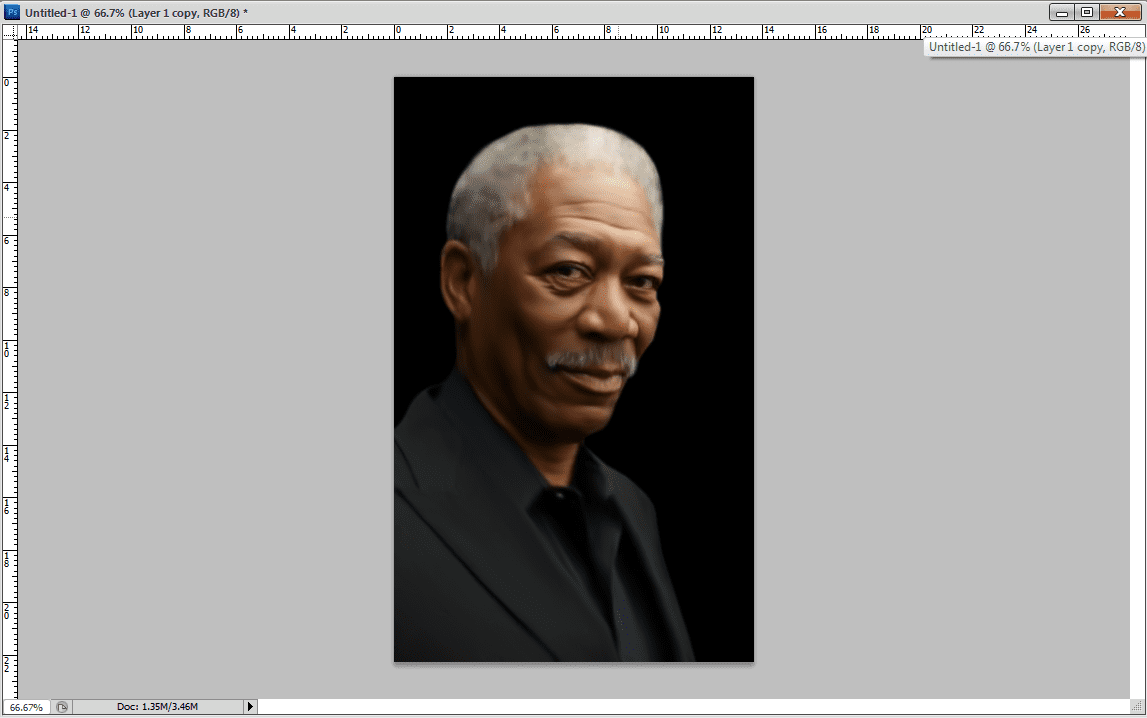
Step 10 : Note the picture below


The final result


0 komentar:
Posting Komentar